Scan nested folders
LocalRead existing tags and separate real audio from extras
 EchoTag by Oliver Frux
For music collections gathered over years. EchoTag turns messy filenames, missing artists, wrong albums, and empty covers into a clean copy your music player understands.
Free for Windows. Audio files stay on your computer.
Originals stay untouched.Online matching sends fingerprints and search text, never audio.Scan the folder you have, match tracks with fingerprints and music databases, review the uncertain ones, then export the library you meant to have.
Start organizing selected folder
EnterRead existing tags and separate real audio from extras
Show required space, remaining disk space, and time
Sample audio, edit metadata, and choose artwork
Artist / album / track number / cover art
Private modeKeep sensitive recordings local and send them straight to review.
Made for the messy parts
Built for the collection spread across downloads, rips, old drives, and forgotten folders. EchoTag handles the repetitive repair work while keeping the decisions that need your ear.
01 / Run plan
Choose the folder you have. EchoTag scans nested folders, reads existing tags, separates audio from playlists and other extras, then shows time, output space, and disk space before it writes a copy.
Messy folders in, a safe plan before writing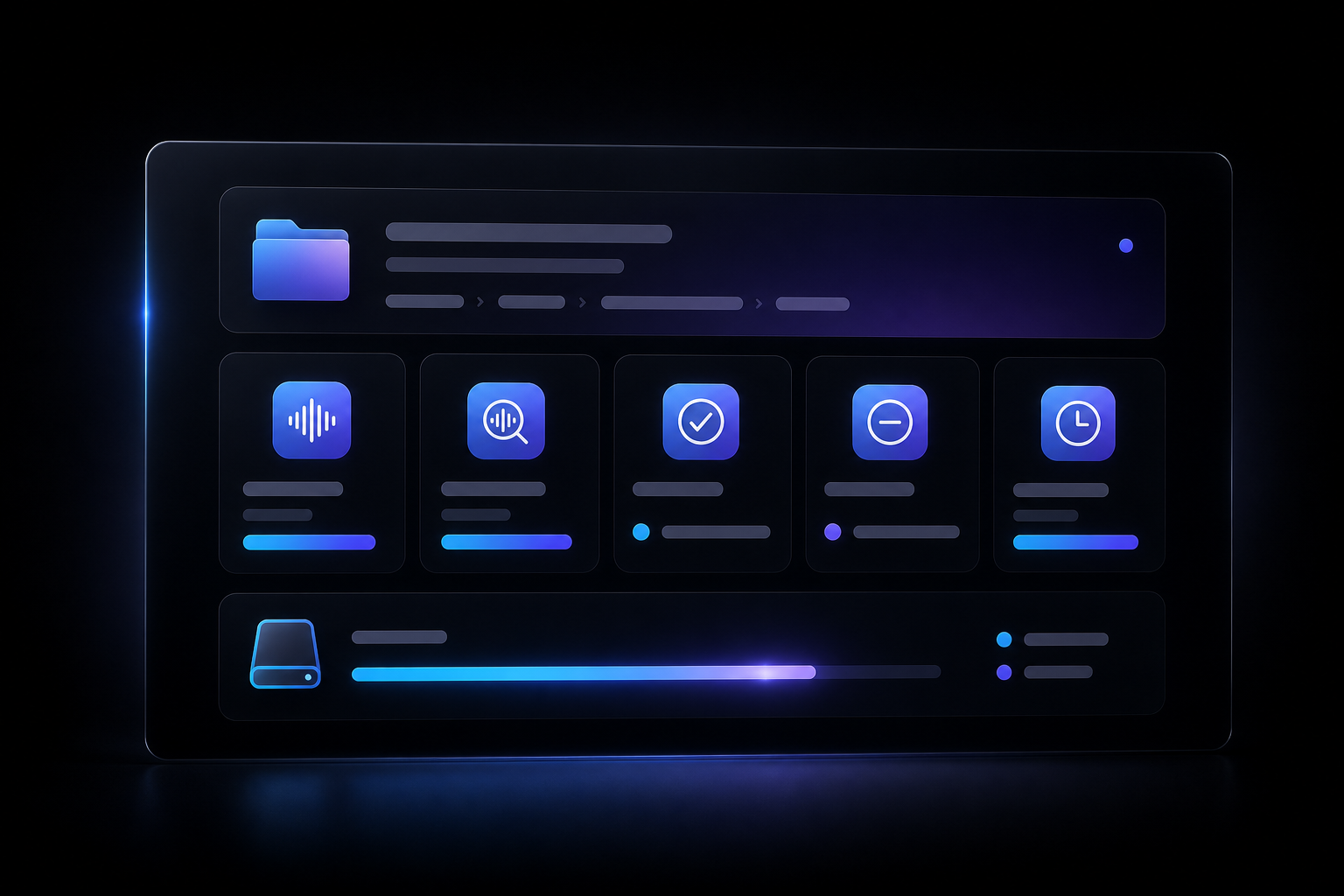
02 / Manual review
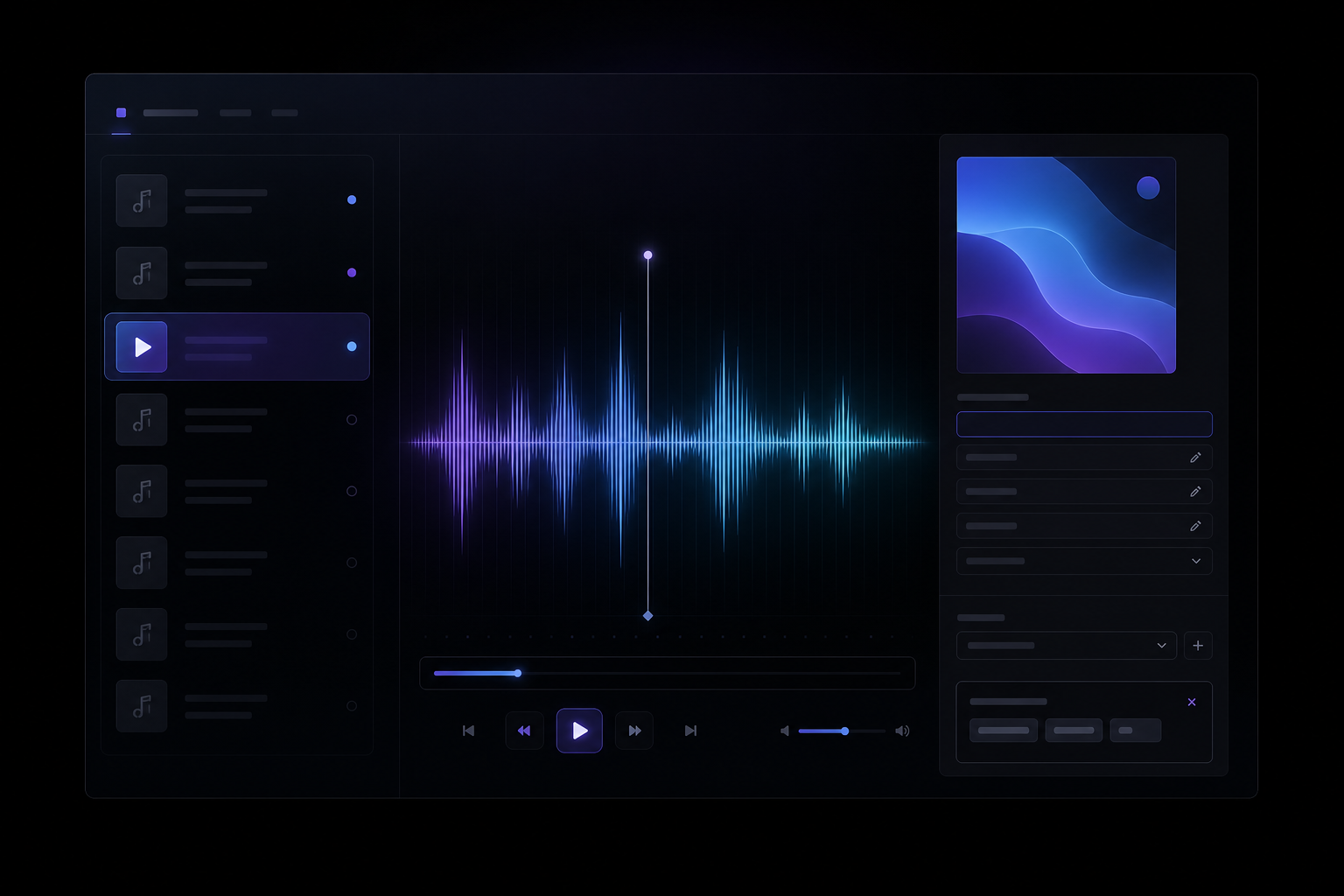
EchoTag calculates fingerprints locally and checks music databases first, then uses filenames and existing tags when needed. Remixes, personal recordings, and low-confidence matches stay in a review queue where you can sample, edit, or leave them alone.
Fingerprint first, database match, manual control03 / Clean export
Confident matches copy while the rest keeps processing. Every clean file gets a title, artist, album artist, album, track number, and cover art when available, so your favorite player feels like it is browsing a cared-for library. Originals stay untouched.
Clean names, complete metadata, embedded cover art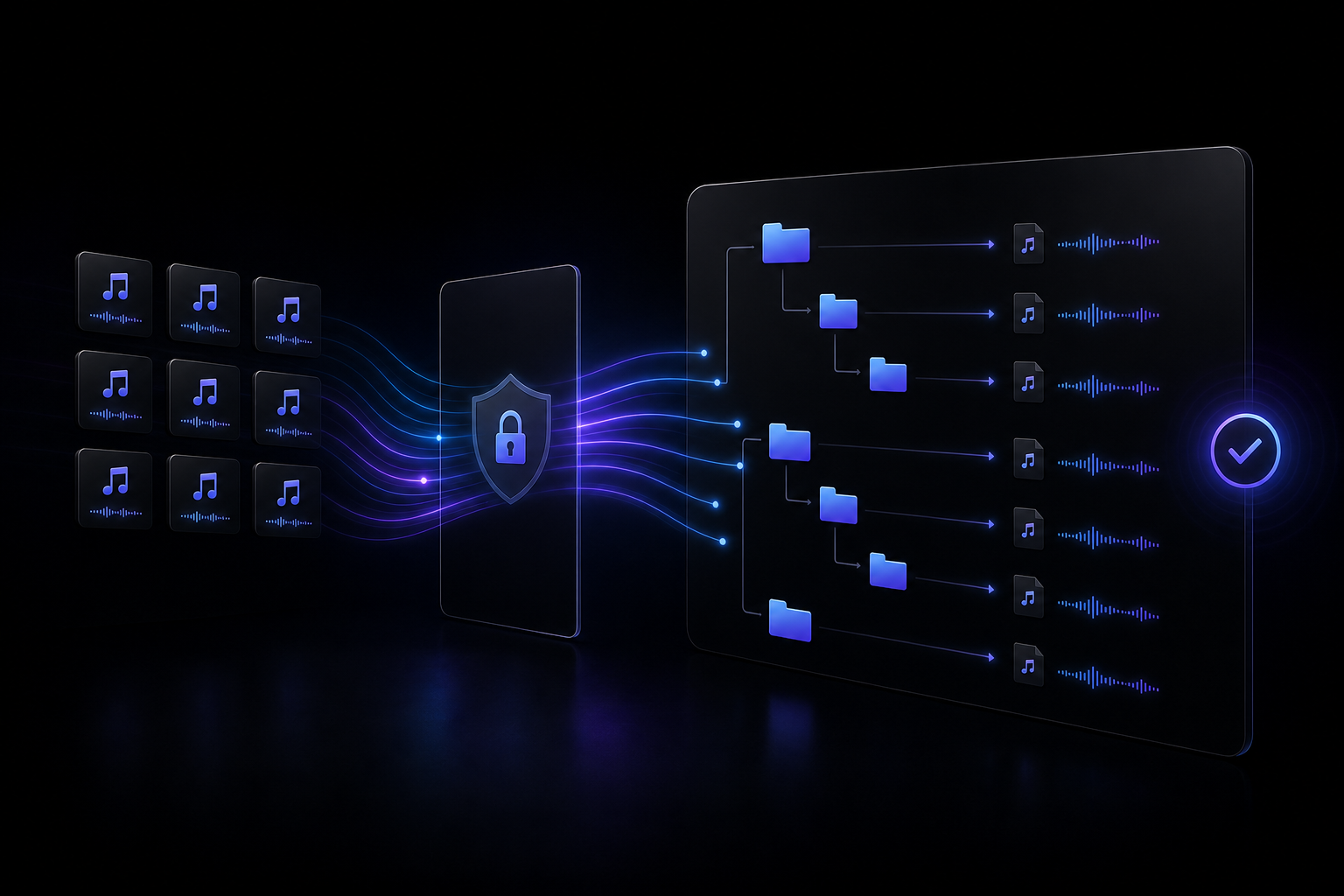
Download EchoTag
Free for Windows. Your audio stays local while EchoTag builds the organized copy.
Windows desktop app
Choose the source folder, confirm the run plan, and export clean files with proper metadata and artwork. Audio is never uploaded.
Download EchoTagSetup.exeWindows installer, 137.6 MBSHA-256: 7C189E636A346E4190153F4070A2F2AAA0D30C46CB925CEF7DD3FE2E0000EA31